What Kiddobell does for your family
Core routines are free forever for one child: a picture and a time, one prize, and today's list on your phone. Family Premium adds more kids, more prizes, and a caregiver.
Daily routines
Wake up, brush teeth, homework, bedtime. Set the time once. It repeats on the days you choose.
Bells at the right time
Gentle bells when a routine is due so you're not the family alarm clock. Less arguing. Less repeating yourself.
A simple kid screen
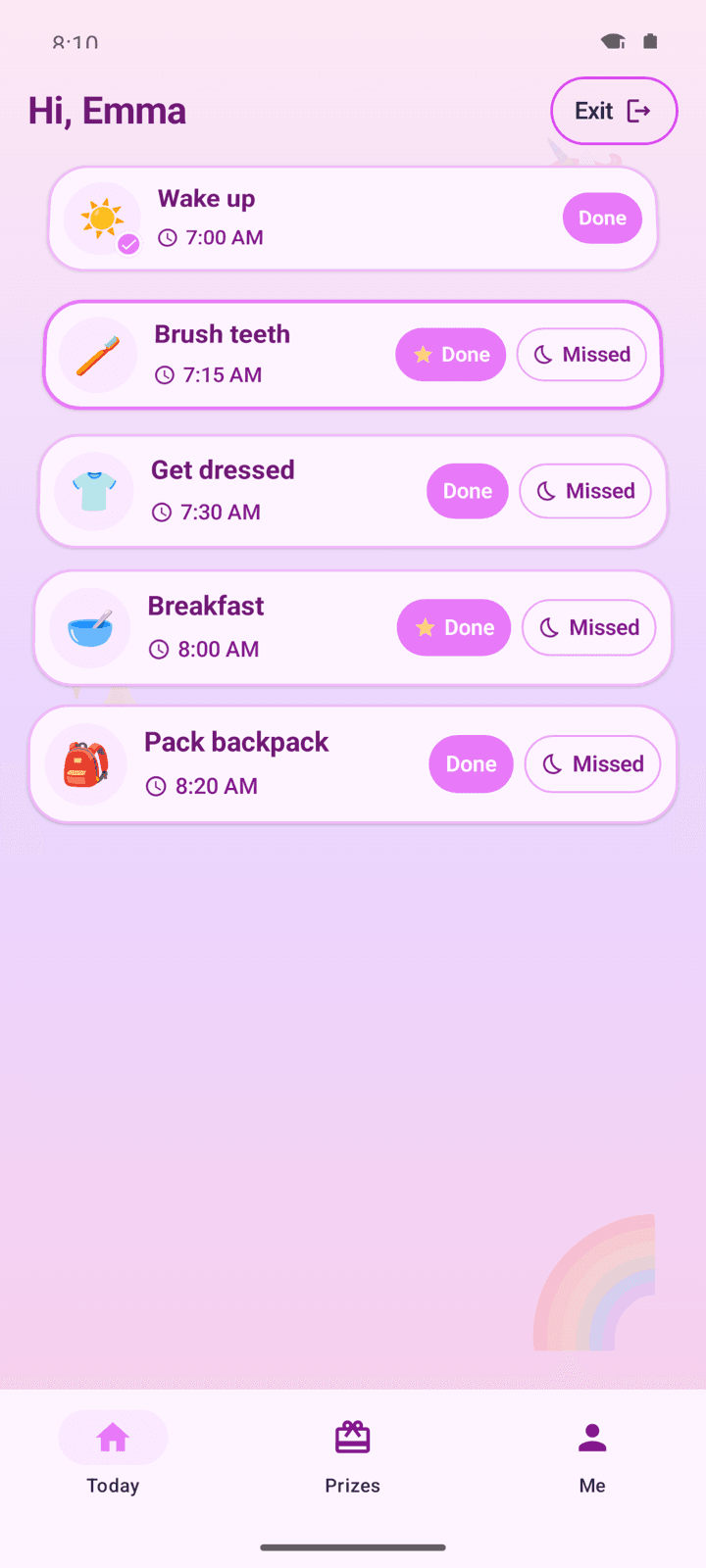
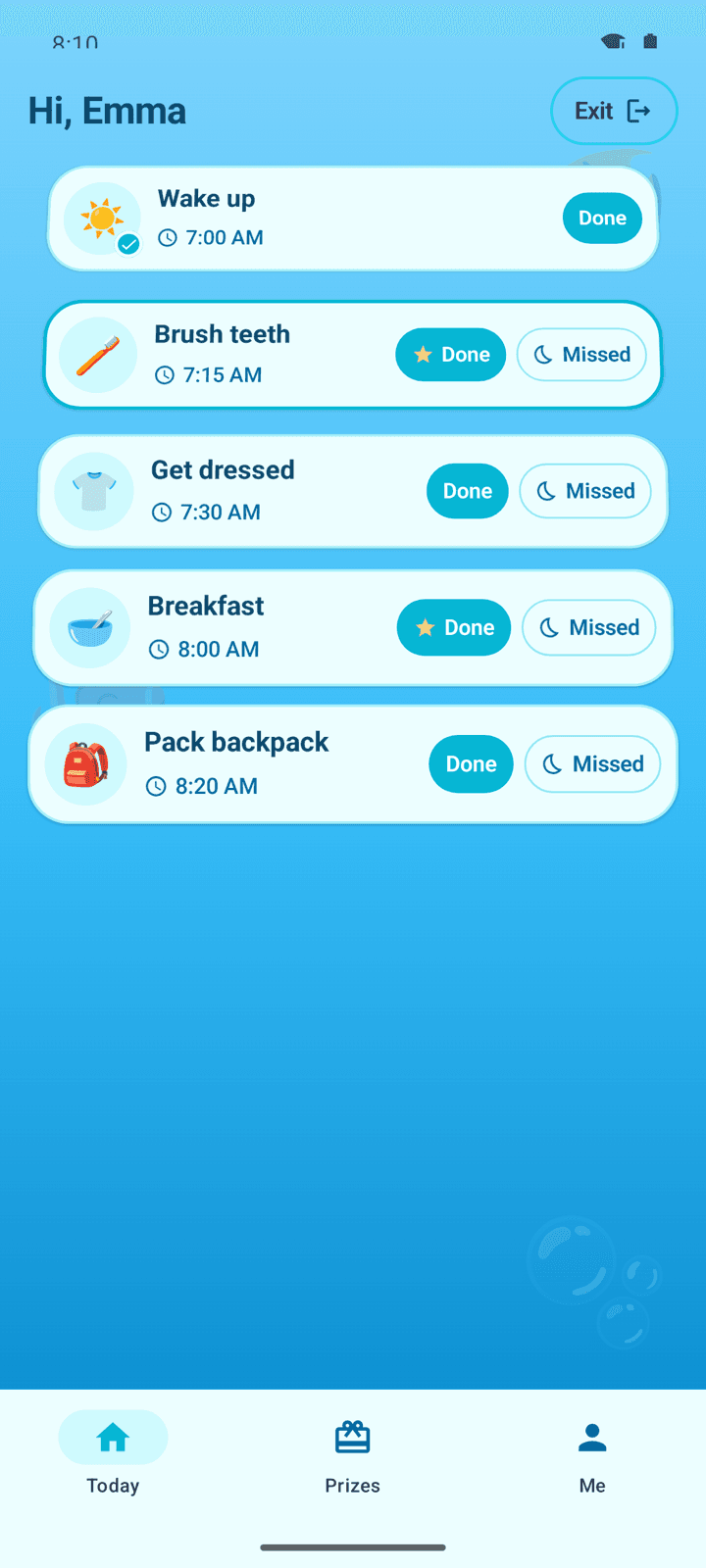
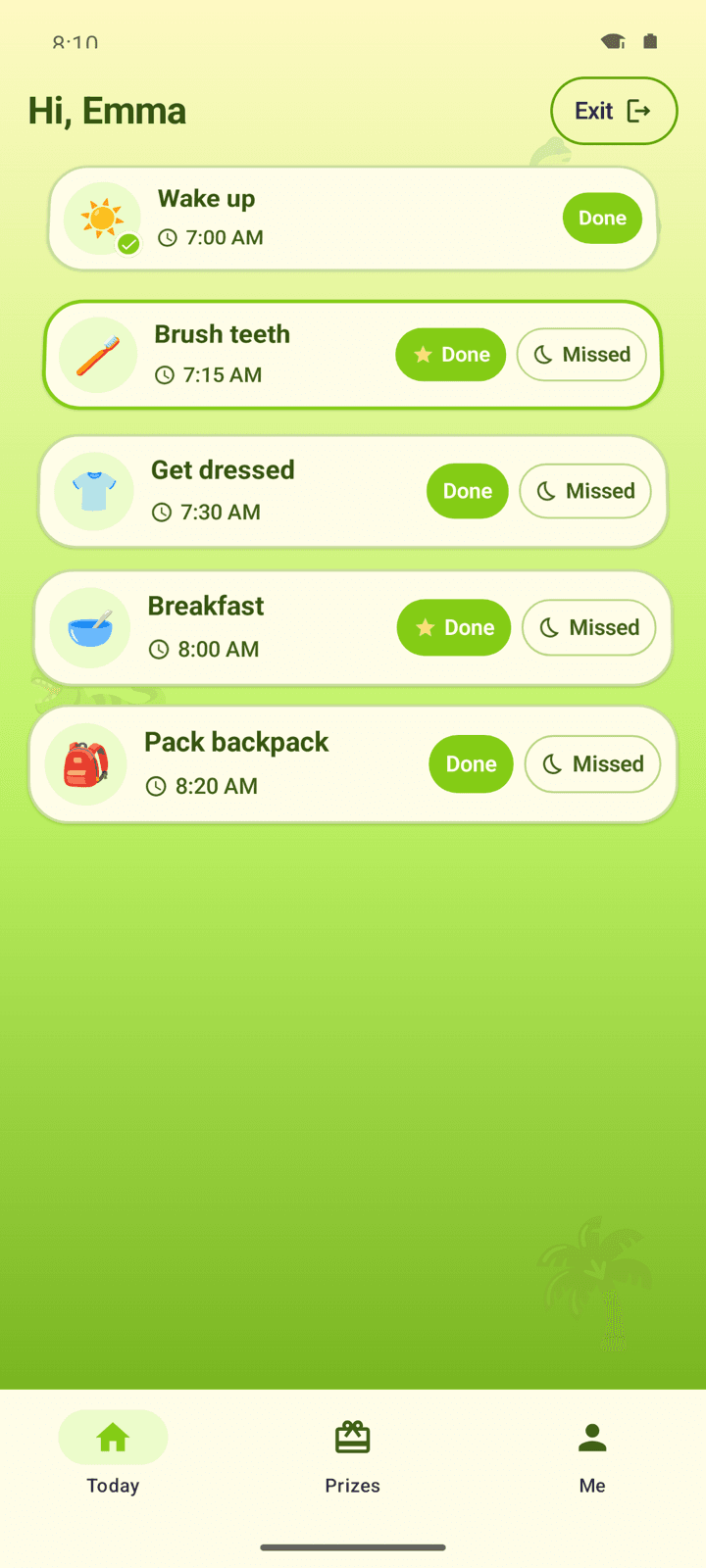
Each routine is a picture, a time, and a big Done button on their tablet. Made for ages 4–8.
Today on your phone
See which routines are done, missed, or still coming. That's the parent home.
Grow with your family
One child is free forever. Family Premium adds more kids, caregiver invites, and full history. Cloud sync stays free. Two parents can share one login.
Prizes & stars
Kids earn a star when they tap Done. Free includes one active prize per child. Family Premium unlocks up to five prizes per child, plus prize history.
Stars & streaks
Finished routines build a streak. The habit loop is free for one child.
Picture and a time
Every routine shows a picture and the time it's due. Kids see today's list, not a long checklist.
Kid mode PIN
Parents set a PIN so only you can leave a paired kid tablet. Forgot it? Sign in with your parent account instead. Included on every plan.
Android now. iOS next.
Install the Android app on your phone and on their tablet. An iOS app is coming. Same Free and Family Premium plans.
Grows with your kids (ages 4–8)
Each routine is a picture and a time, with a big Done button, on every plan. You stay in control of what goes on their tablet.
Theirs, on every plan
Kids should feel like the screen is theirs. We don't paywall the basics.
- A picture and a time for every routine, on Free and Family Premium
- Themes and illustrated preset avatars on every plan
Unicorn Magic
Ocean Adventure
Dino Land
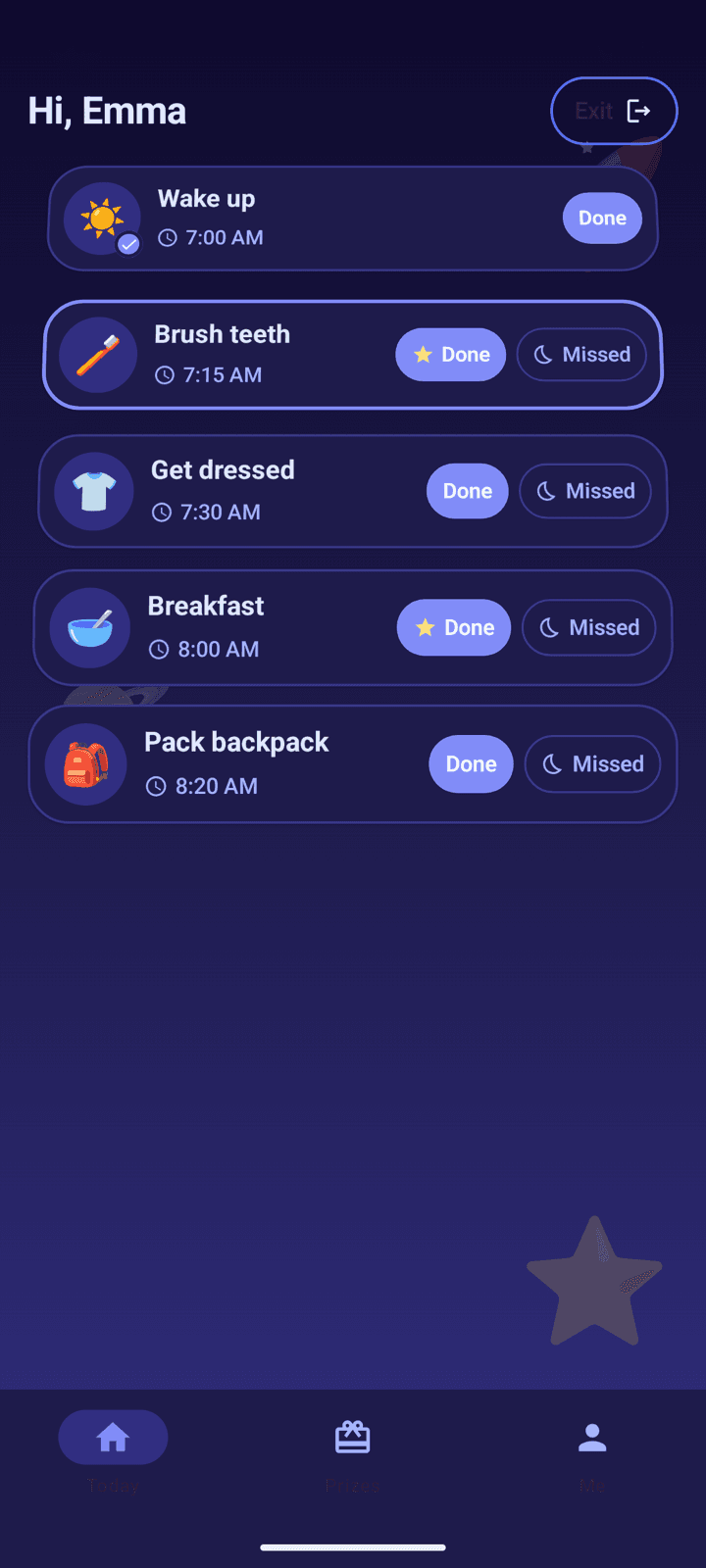
Space Explorer
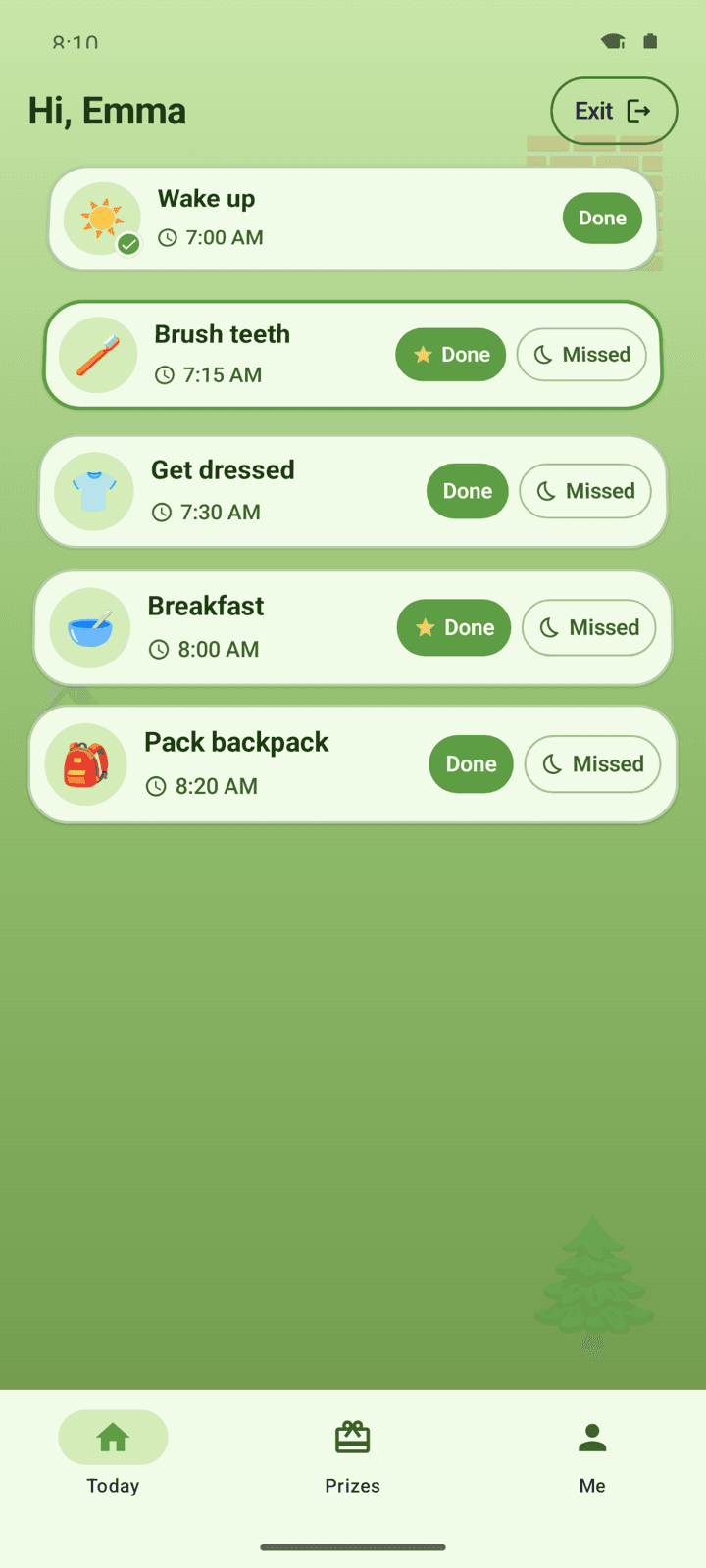
Block Builder
Free for one child. Premium when your family grows.
Core routines stay free forever. No credit card to start. Family Premium is there when you add more kids.
Free
One child, core routines. Free forever
- One child profile
- Daily routines with templates
- Pair a kid tablet by scanning a QR code — no kid login
- A picture and a time for every routine
- One active prize per child — earn a star on Done
- Parent-set PIN to leave a paired tablet
- Stars and streaks
- A gentle bell when a routine is due
- Cloud backup and sync between your phones and tablets
- Today's list: done, missed, or still coming
- Last 7 days of history
- The Android app on your phone and their tablet
Family Premium
More kids, more prizes, caregivers, and full history
- Add a second child, and more
- Up to five active prizes per child
- Prize history
- Full history beyond 7 days
- Caregiver access — invite with a QR code; view prizes and mark gifts given
Ready for calmer days?
Install the Android app and set up your first routine. Free to get started. No credit card.